

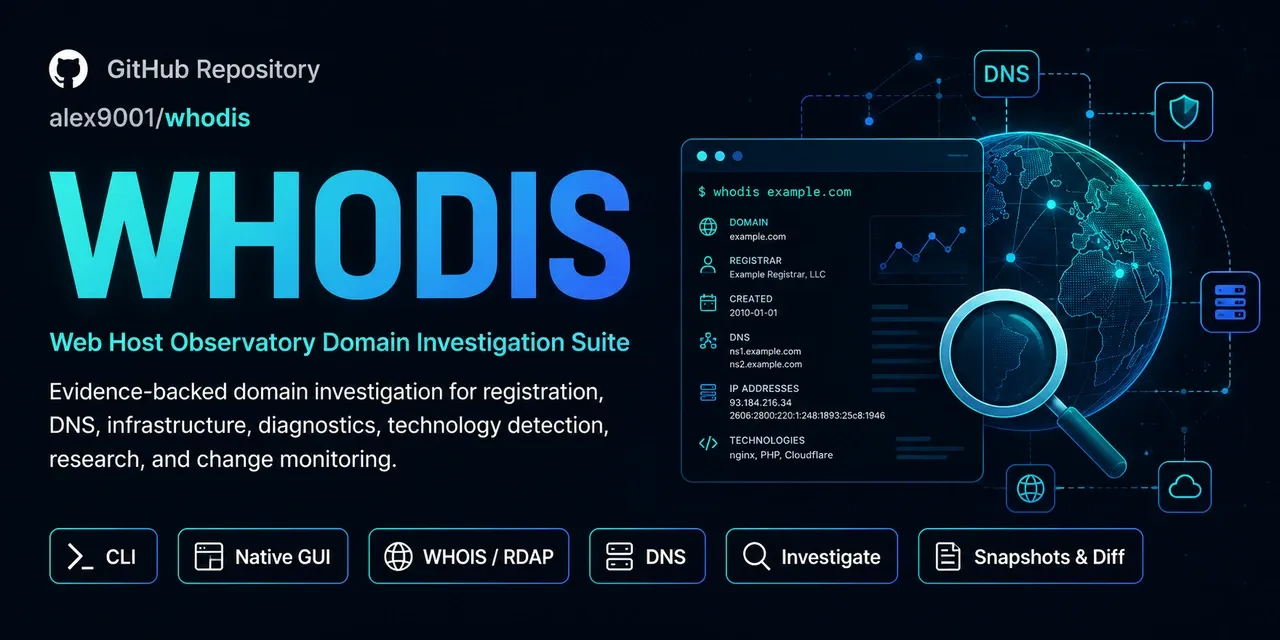

Web Host Observatory Domain Investigation Suite
Whodis connects registration, DNS, infrastructure, service diagnostics, website technology, and research in one evidence-backed investigation. Use the terminal or a native desktop workbench on Linux, macOS, and Windows.
// DESKTOP IN ACTION
// PICK YOUR INTERFACE
whodis CLI
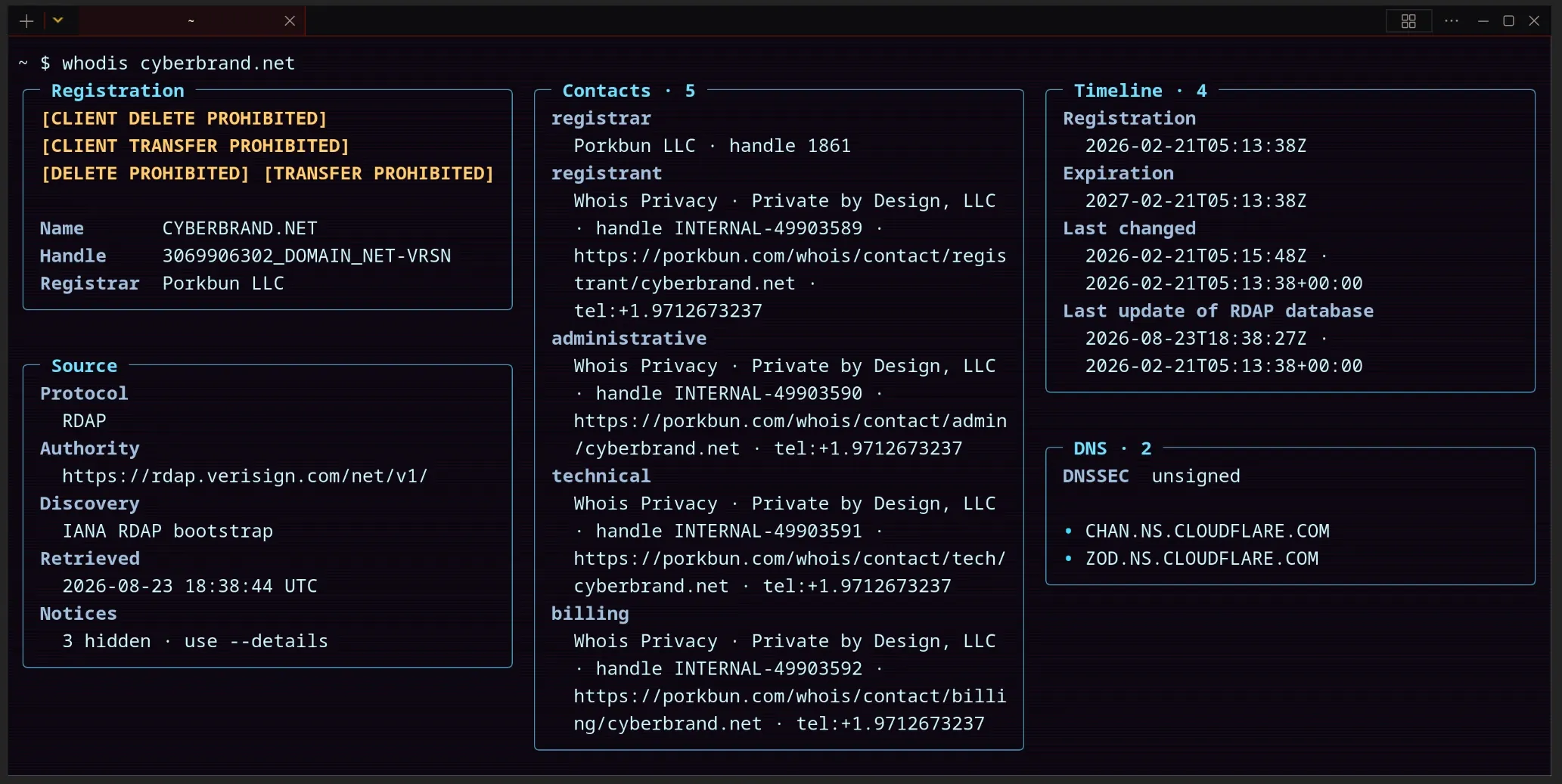
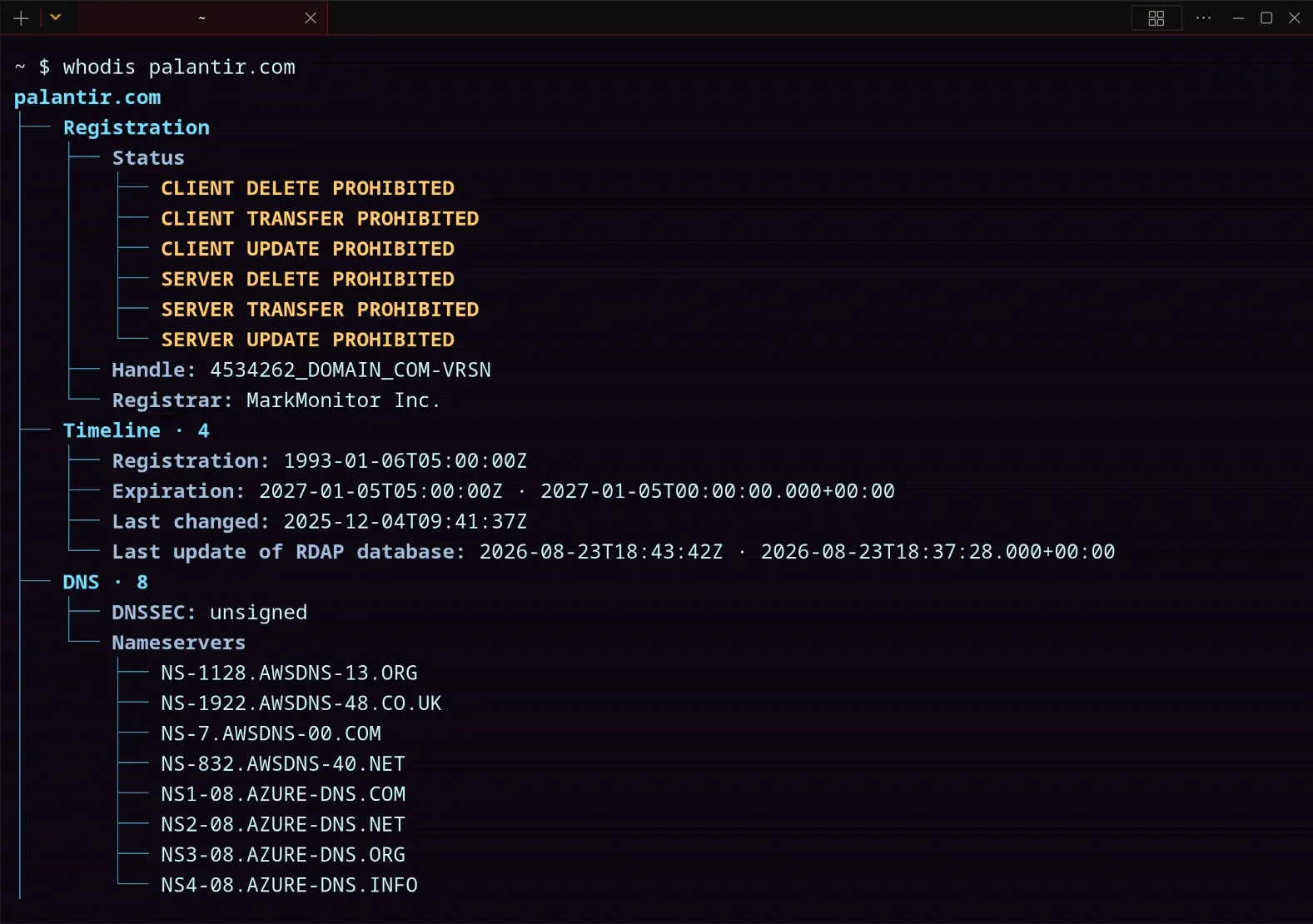
Use the same investigation engine in shells, scripts, SSH sessions, and servers. Choose dashboard, tree, GeekBoys, or plain text; export versioned JSON/YAML, CSV, NDJSON, or Markdown.
- Dashboard
- Tree
- GeekBoys
- Plain
whodis-gui desktop
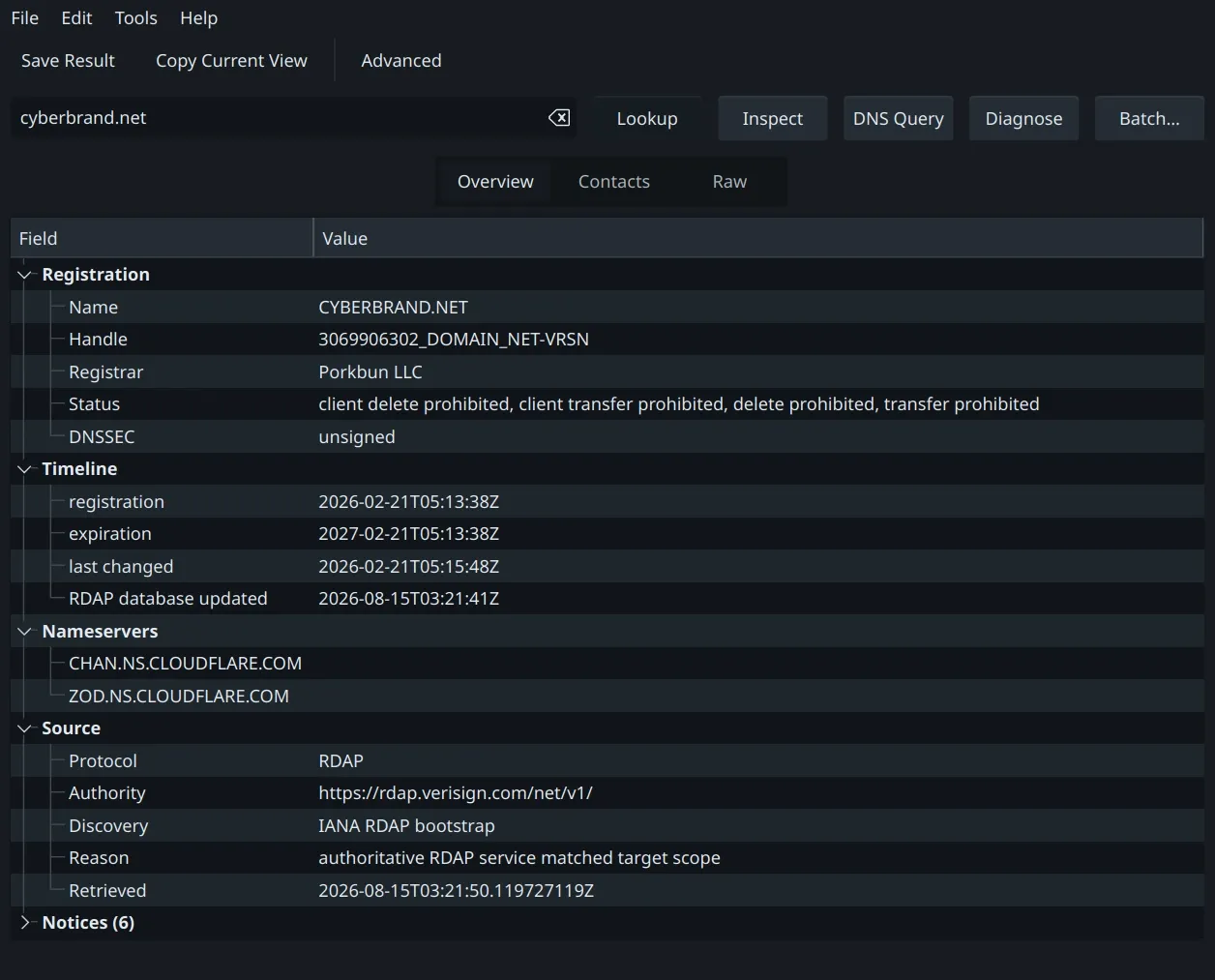
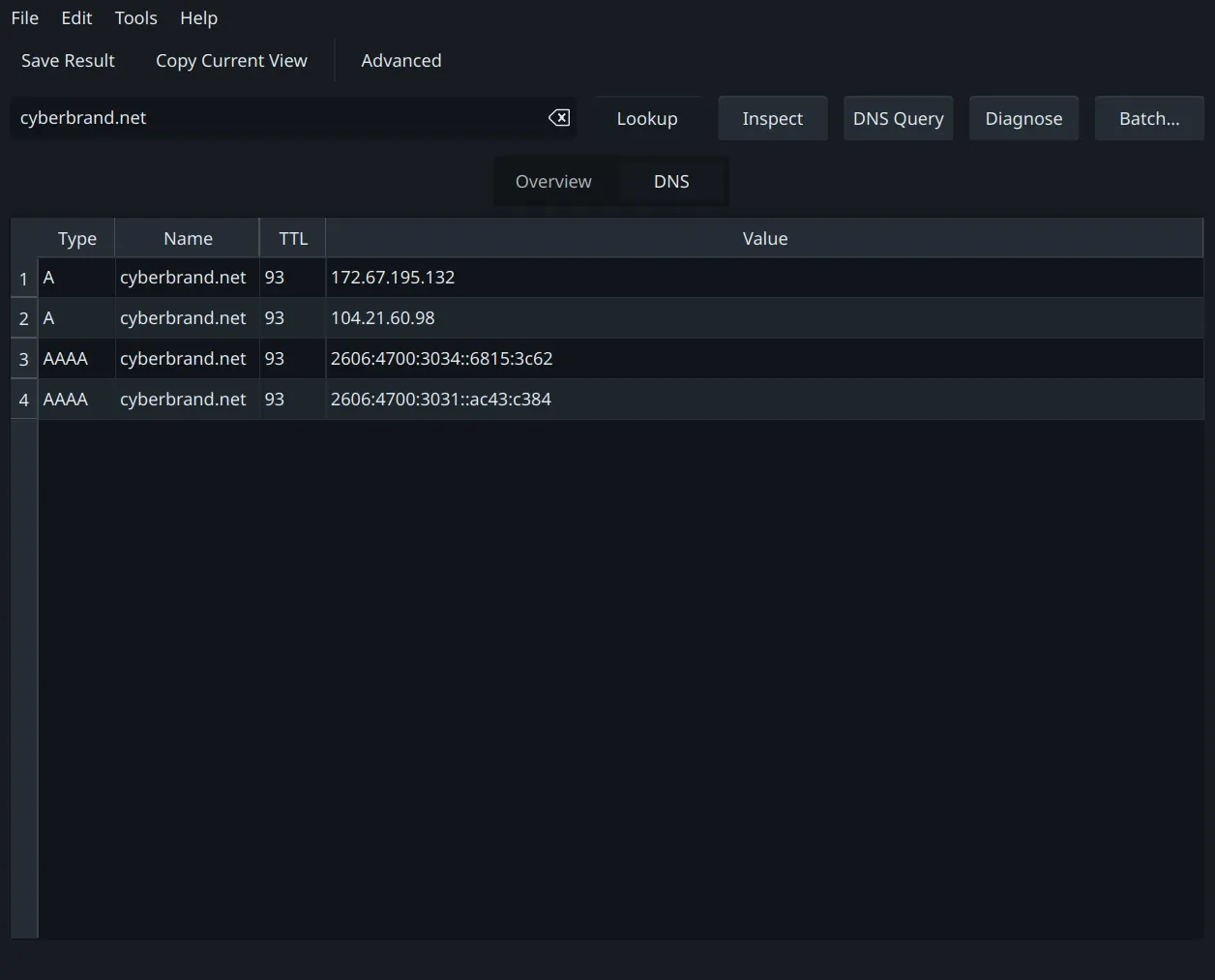
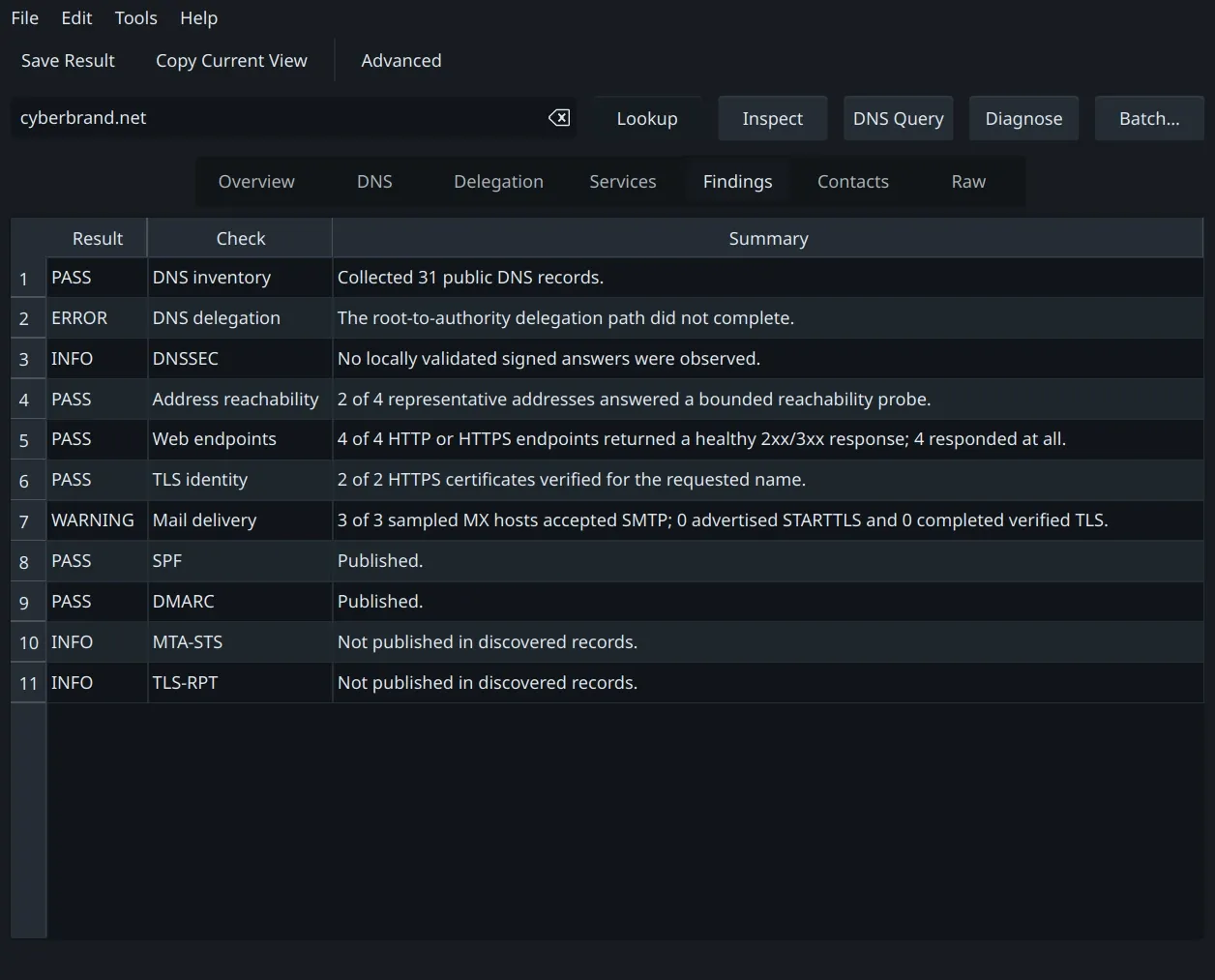
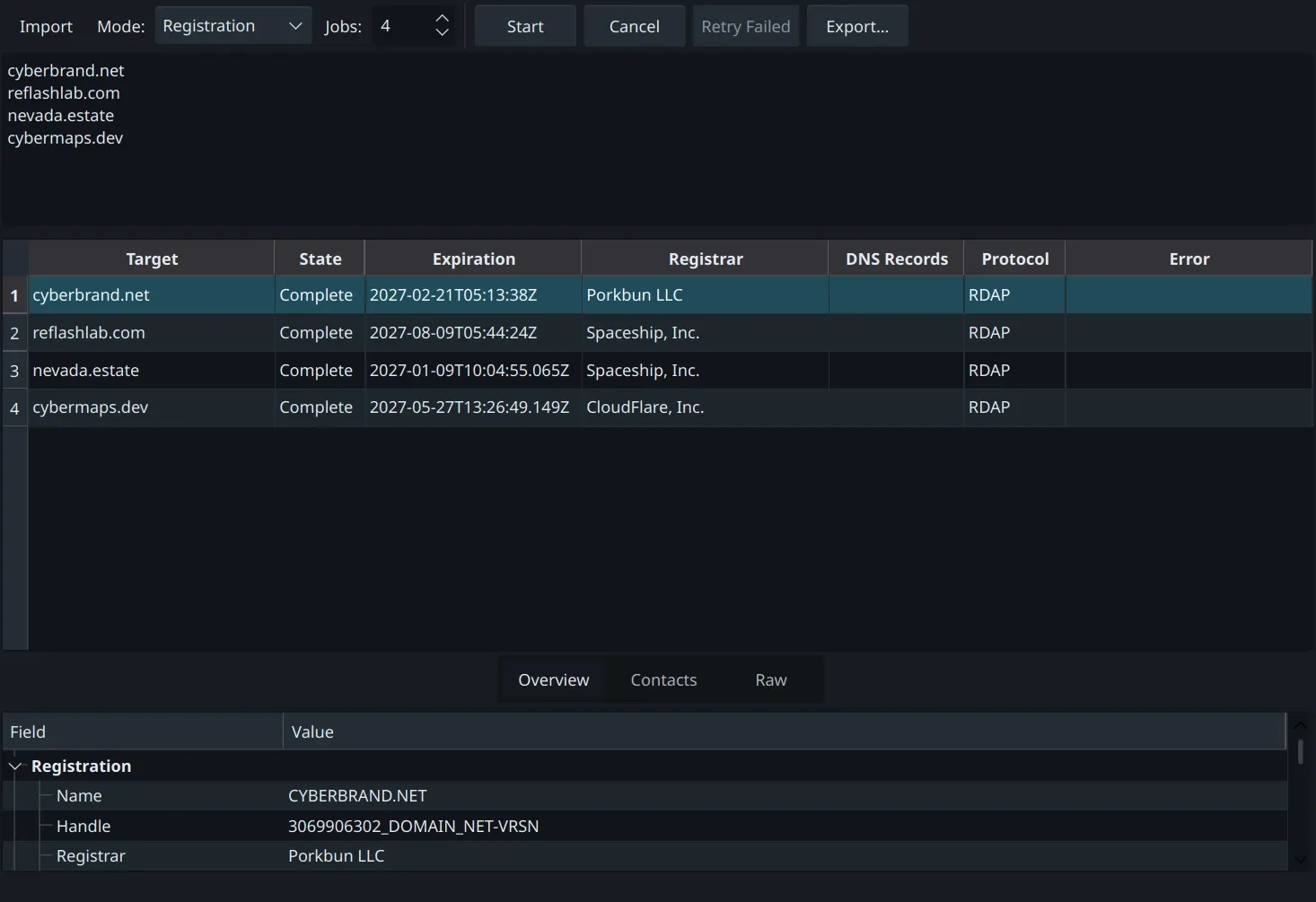
A native desktop workbench with focused registration, DNS, diagnosis, Stack, Research, Related, findings, batch, and raw-data views. Its private engine makes a separately installed CLI optional. Press F1 for built-in help.
- Overview
- DNS
- Compare
- Delegation
- Stack
- Research
- Related
- Services
- Findings
- Contacts
- Raw
- Batch
// WHY IT EXISTS
Alex built WhoDis to bring domain investigation into one workflow: registration, hosting, mail routing, DNS, and the evidence behind a diagnosis. Its terminal interface connects WHOIS, RDAP, and related tools without making the user assemble every result by hand.
// TERMINAL DASHBOARD
Wide shells use a panel mosaic while narrow shells stack the same data. Notices stay summarized until you request details.
Explore the evidence
Investigate a site
Connect technology fingerprints, provider attribution, and homepage delivery, SEO, security-header, and static accessibility observations. Select an item in Stack to inspect its evidence.
whodis investigate example.comSave and compare
Store a sanitized observation and compare meaningful changes later. Reports keep evidence and findings available for review.
whodis inspect example.com --save --label production
whodis diff production --live
Check a policy
Use deterministic findings and exit codes for automation. Basic, standard, and strict policies make the criteria explicit.
whodis check example.com --scrutiny strictRead the built-in guide
Task-focused help ships in both apps. Use whodis help in the terminal or F1 in the desktop app, even offline.
whodis help investigateInvestigation reads a bounded homepage response; it does not execute JavaScript, crawl the site, calculate Lighthouse scores, or scan arbitrary port ranges. Research links contact third-party services only when opened, and OTX enrichment is opt-in.
// CAPABILITIES
Automatic registration routing
Use RDAP when available, WHOIS when needed, and RWhois for delegated networks without memorizing registry endpoints.
A full DNS client
Query any record type over UDP, TCP, DoT, DoH, HTTP/3, DoQ, or DNSCrypt, with explicit transfer support.
DNSSEC, compare, and trace
Verify signed answers locally, compare normalized results across resolvers, and follow delegation from root hints.
Native desktop workstation
Native Qt controls on Linux, Windows, and macOS, with adjustable result columns, wrapped evidence, and searchable offline help.
Batch and automation
Process many targets and export structured reports. Save sanitized snapshots, compare semantic changes, and enforce deterministic policy checks.
Actionable domain diagnosis
Connect DNS, HTTP, TLS, SMTP, and mail-policy evidence to clear pass, info, warning, or error findings. There is no opaque overall score.
Website technology and infrastructure
Identify platforms, versions, WordPress plugins and themes, hosting, network, DNS, and mail providers with confidence levels and inspectable evidence.
Research and related domains
Open curated public-source research links, or explicitly request bounded OTX passive-DNS enrichment. Historical neighbors remain separate from ownership claims.
// INSTALL
Command line
curl -fsSL https://github.com/Alex9001/whodis/releases/latest/download/install.sh | shirm https://github.com/Alex9001/whodis/releases/latest/download/install.ps1 | iexgo install github.com/Alex9001/whodis/v2/cmd/whodis@latestQuick start: whodis google.comDNS inventory: whodis inspect example.com
Desktop app
Download the latest AppImage, Windows installer or portable ZIP, or universal macOS DMG from GitHub Releases.
Download release